
Sd Loras
3 modes on this page
Sd Loras turns a text prompt into an image. Pick a mode, write the prompt, run it in the studio.
Input
FormMode
Prompt*
Image Size
Number of images
Tile Stride Height
Image Format
Result
Preview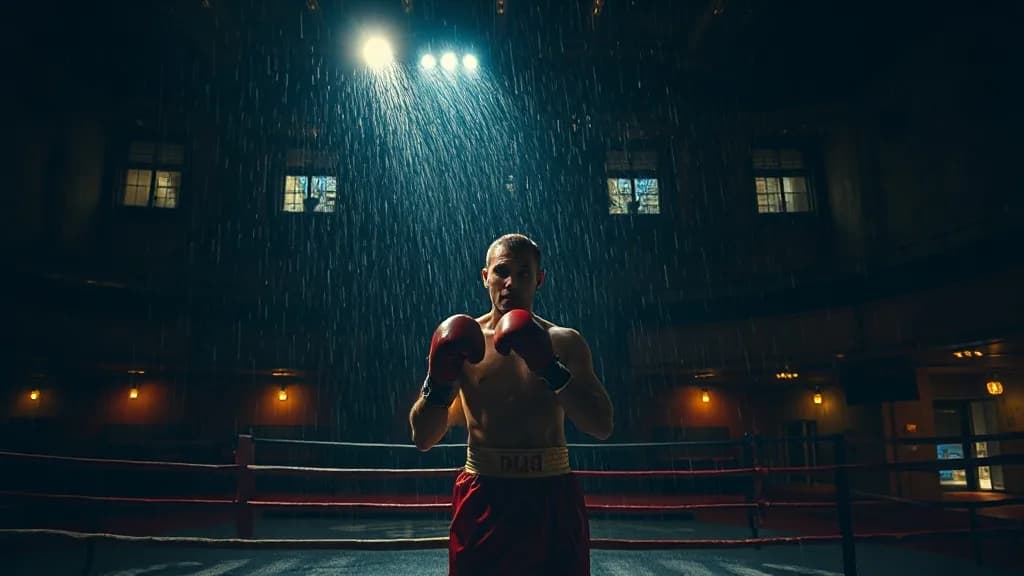
Illustrative preview, not Sd Loras output
Credits·~10s
What Sd Loras is for
Sd Loras is a text-to-image model. You describe the frame and it returns a still image in about 10 seconds, billed at Credits. This page groups 3 modes (Text to Image, Image to Image, and Inpainting) so you are not hunting separate URLs for the same family.
Sd Loras is cheap enough that a generation usually fits the free Knowlify plan's credits. A typical run is about 10 seconds.
Pick Sd Loras for text to image at Credits and ~10s. Compare it with Ai Avatar, Argil Avatar on the related cards below if you need a different look, speed, or input type.
How to use Sd Loras
- 1. Upload the still Sd Loras should start from, then write the change or motion in Input.
- 2. Run it. The prompt and file hand off to the Knowlify studio, where Sd Loras generates.
- 3. Stay in the studio if you want that frame or clip inside a longer narrated video.
What you need
- A prompt that names the subject, style, and framing.
- A source still (PNG or JPG) for the model to start from.
- Image Size (square_hd, square, portrait_4_3, portrait_16_9, and more).
- Image Format (jpeg, png).
Example prompt
a boxer in a ruined theater, one spotlight, sweat, night street photography, neon, rain, grain, no text, no watermark
Frequently asked questions
How do I run Sd Loras?
Run Sd Loras on Knowlify at /generate/sd-loras. This page has 3 modes in one dropdown. Write the prompt on this page and it opens in the studio, where Sd Loras generates a still image. The same studio also turns documents into full narrated videos.
Where can I use Sd Loras online?
On Knowlify (knowlify.com/generate/sd-loras). You do not need a separate playground. Sd Loras runs in the studio next to document-to-video.
Can I make a longer video with Sd Loras?
Sd Loras itself produces a still image. On Knowlify you can take that output, or skip it and upload a document, and generate a full narrated video with a script you can edit.
What do I need to run Sd Loras?
A prompt and a source still. Sd Loras will not invent the starting frame for you on this mode.
How long does Sd Loras take?
Plan on about 10 seconds for a typical run, then whatever queue time the studio has. Video models sit at the high end of that range.
Does Sd Loras have more than one mode?
Yes. This page has 3 modes: Text to Image, Image to Image, and Inpainting. Switch them in the Mode dropdown instead of opening a new URL.
What does Stable Diffusion with LoRAs cost?
Knowlify charges this as credits, at the compute cost.
What is Stable Diffusion with LoRAs best for?
Run Any Stable Diffusion model with customizable LoRA weights. It turns a text prompt into an image.
Do I need an account to use Stable Diffusion with LoRAs?
Generation happens in the studio, so a free Knowlify account is required. Stable Diffusion with LoRAs then runs against your credits.