
youtube thumbnail generator
YouTube Thumbnail Generator
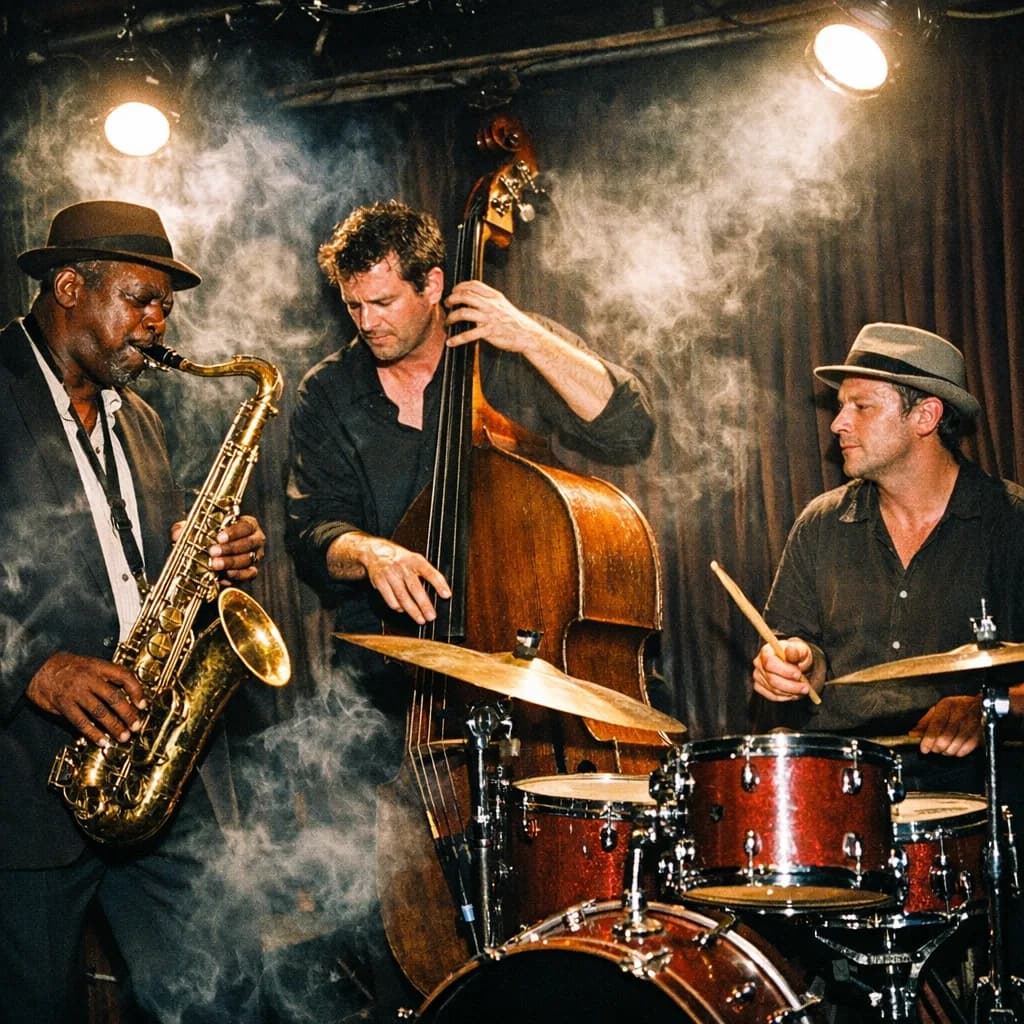
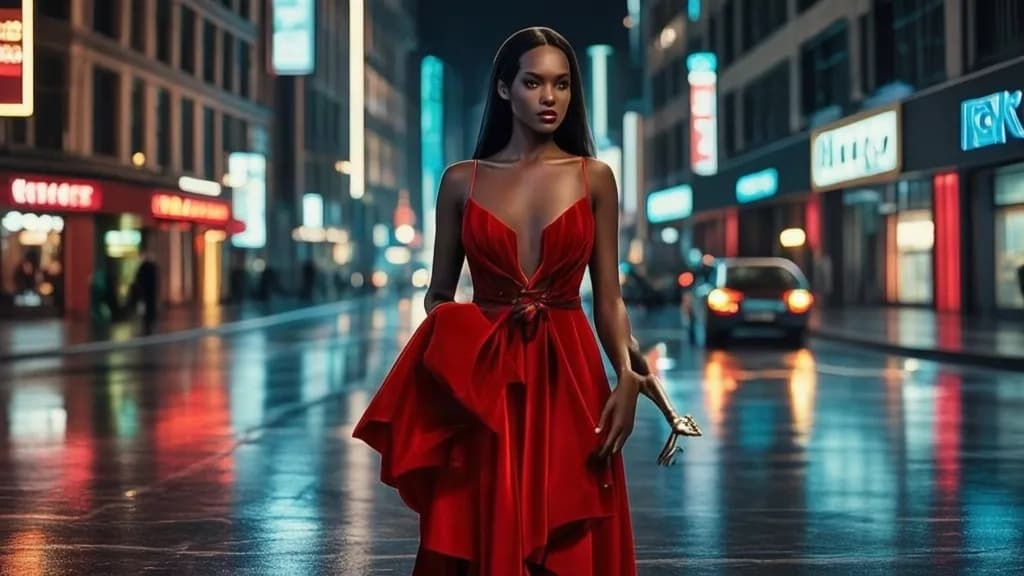
A YouTube thumbnail generator is an image model used at 16:9, with a large subject and room for a short title. The useful test is whether the face or object is still readable at 160 pixels wide.
Best models for youtube thumbnail
Example prompts
- A 16:9 YouTube thumbnail, instructor pointing at a large checklist, high contrast, space on the right for three words
- Close-up of a surprised face next to a broken server rack, cinematic lighting, 16:9, no text
- Split screen, messy desk versus clean studio, bright colors, 16:9 thumbnail composition

Frequently asked questions
Where can I make a YouTube thumbnail with AI?
Knowlify. Run Nano Banana Pro or FLUX at 16:9 in the studio. If the video itself still needs to be made, upload the script or a document and generate the full explainer in the same place.
What is the best AI YouTube thumbnail generator?
Nano Banana Pro handles a busy composition. FLUX.2 Pro is better for a photoreal face. Both should be run at 16:9.
Should the AI add the title text?
Usually no. Generate the picture, then add the title in the studio so you can change the wording without regenerating.
What size should a YouTube thumbnail be?
YouTube wants 1280 by 720. Generate at 16:9 and export at least that size. Smaller images look soft in suggested videos.
Ready to generate?
Open Nano Banana Pro and your prompt carries into the Knowlify studio.
Open Nano Banana Pro